
Managed social posting
Social Autopilot: social media management for small businesses
We write and schedule your social posts. Each one is drafted from your brand voice and shows up on your portal first, where you can reject anything up to a day before it goes out. Plans from $149 a month.
Why owners use it
Your pages stay current
New posts keep going up on the schedule you pick, so the page doesn't go quiet for months.
Written the way you talk
Posts come from a brand voice you set once on the portal: how you talk, words you'd never use, and the facts we're allowed to state.
Reject or move any post
Reject a post on your portal up to a day before it publishes, or move it to another time.
From signup to your first post
Setup is a questionnaire, connecting your channels and approving five example posts. After that, posts go out on schedule.
- 1
1. Set your brand voice
Answer the brand voice questions on your customer portal. We write five example posts from your answers, and you approve them or ask for another set.
- 2
2. Choose channels and pace
Pick the channels to post on and how many posts a week, up to your plan's limit. Each channel you add counts toward that limit.
- 3
3. We draft and schedule
New posts are written automatically from your brand voice, checked against it, and scheduled at least a day ahead.
- 4
4. Look in when it suits you
Your portal shows what's coming. Reject a post and it won't publish, and later posts take your reason into account.
See the brand voice questionnaire
Here it's being filled in for Make-Believe Bookkeeping, a business we made up. You can come back and change any answer later.
What you'll see
- "Casual or formal?" moves toward formal, and "Plain words or expert language?" moves to plain words.
- The business picks "We" over "I".
- "Plain numbers" and "No judgment" go on the list of words the business uses.
- "Tax loophole" goes on the list of words a post must never use.
- One fact posts can state gets added, and the answers are saved.
Example posts
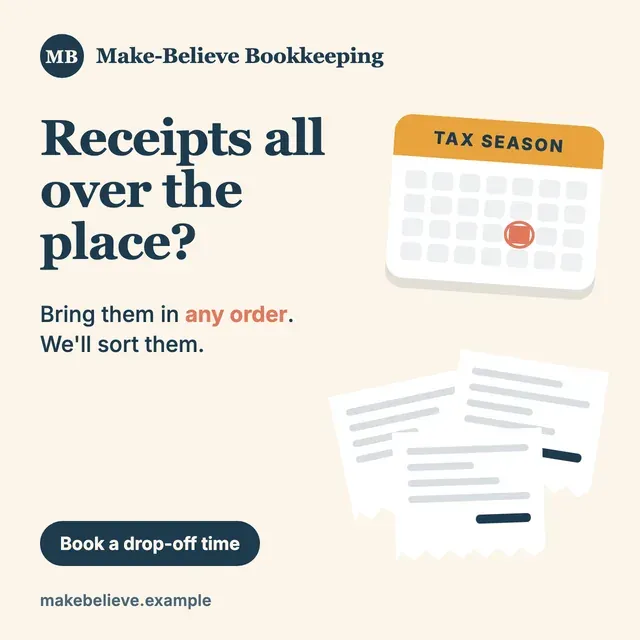
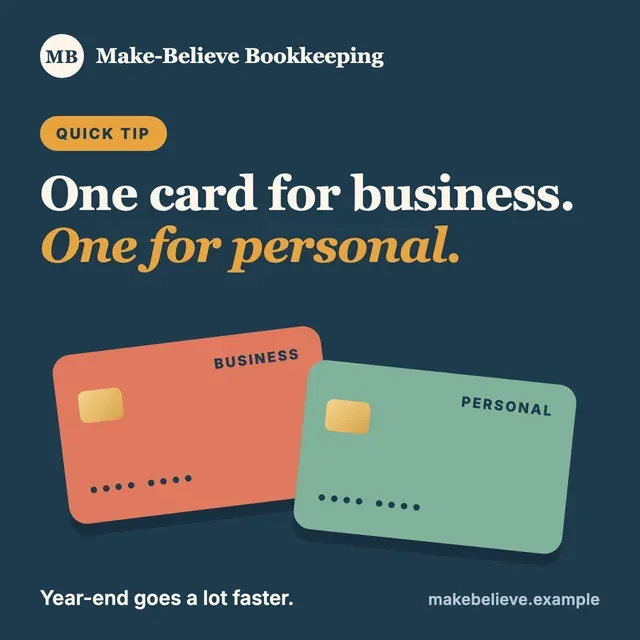
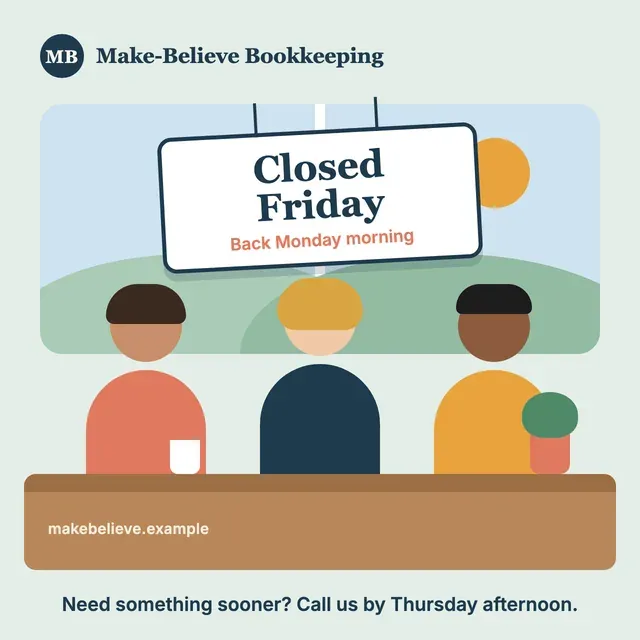
Written for Make-Believe Bookkeeping, which doesn't exist. A real business gets posts built from its own facts and photos.
Same tip, different channel
Each channel gets its own version. On Google Business Profile the post has a Learn more button and no hashtags. On Instagram there's no link, since captions can't hold one, and the hashtags go in the first comment.
Keeping business and personal spending on separate cards makes year-end bookkeeping a lot faster. We can help you set that up.
Learn more One card for business, one for personal. Year-end goes a lot faster when the two never mix. Want help setting that up? Send us a message.
First comment: #SmallBusiness #Bookkeeping
Where it posts
9 channels, and each one you use counts toward your plan's limit. YouTube posts need a video from you. Don't see yours? Ask us.
- Google Business Profile
- YouTube
- X
- Bluesky
- Threads
Plans and prices
The plans differ in how many channels you get and how many posts go out a week on each. All three have the same one-time $150 setup fee.
Starter
One or two channels, kept current
- Up to 2 social channels
- Up to 2 posts per week on each channel
- Every post drafted in your brand voice
- Reject any post on your portal up to 24 hours before it publishes
Standard
A third channel and a faster pace
- Up to 3 social channels
- Up to 3 posts per week on each channel
- Every post drafted in your brand voice
- Reject any post on your portal up to 24 hours before it publishes
Pro
For a business on up to six channels
- Up to 6 social channels
- Up to 5 posts per week on each channel
- Every post drafted in your brand voice
- Reject any post on your portal up to 24 hours before it publishes
Social Autopilot FAQ
Something else on your mind? Call (636) 362-6221 or email yourfriends@adamsdigital.com.
What is Social Autopilot?
A managed social posting service from Adams Digital. We write posts for your business from your brand voice, schedule them on your social channels, and show them on your customer portal before they go out.
Who is it for?
Owners who want their pages kept current and don't want to write posts.
How much does Social Autopilot cost?
Starter is $149 a month for up to 2 channels at up to 2 posts a week on each. Standard is $249 for up to 3 channels at up to 3 a week. Pro is $399 for up to 6 channels at up to 5 a week. Setup is a one-time $150 on any plan.
Do some channels cost more than others?
No. Every channel counts toward your plan's channel limit, and that's all. No channel carries an extra fee, at setup or later. YouTube posts need a video from you.
How do you learn how my business sounds?
You answer the brand voice questions on your customer portal: how formal you are, the words you use and the ones you never use, who your customers are, and the facts we can state. We then write five example posts for you to rank. Drafting starts once you approve them.
Where do the pictures come from?
Your own photos come first. Upload them on the portal and posts use them. If no photo fits, a post can use an AI image, but only if you've allowed that, and you can limit it to illustrations.
What do I need to do each week?
Nothing required. Upload photos if you have them.
What happens when I reject a post?
It won't publish. If you tell us why, we use it when writing later posts.
Can I change when a post goes out?
Yes. Open the post on your portal and pick a new time. A post already published can't be moved.
What if a fact in my brand voice changes?
Change it on your portal and approve the new example posts that follow. Every post still waiting to go out is then rechecked against your updated answers.
Is there a contract?
Yes, a service agreement that runs month to month. You can cancel any time by writing to us, and service continues through the month you've already paid for. Nothing already billed is refunded, and neither is the setup fee. Posts already published stay on your channels and belong to you, and anything still scheduled is cancelled.
What doesn't Social Autopilot do?
It doesn't answer comments, messages or reviews, buy ads or boost posts, or write competitor and audience reports. Its job is writing and publishing your posts.
Want to see if it fits your business?
Tell us a little about your business and where you post now, and we'll suggest a plan. Or call (636) 362-6221 to talk it through.